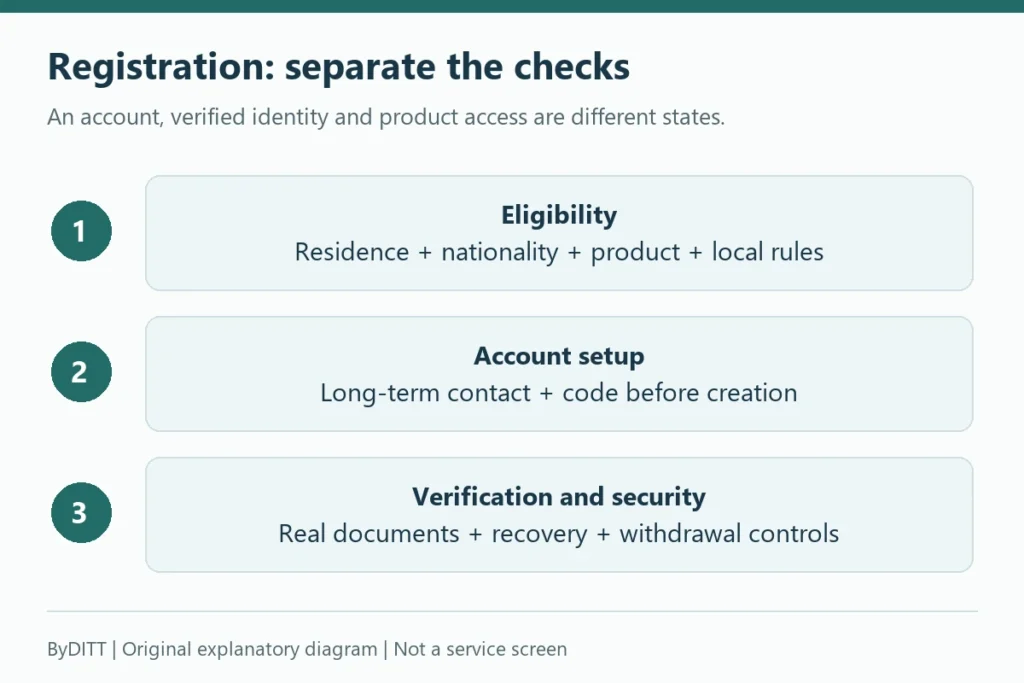
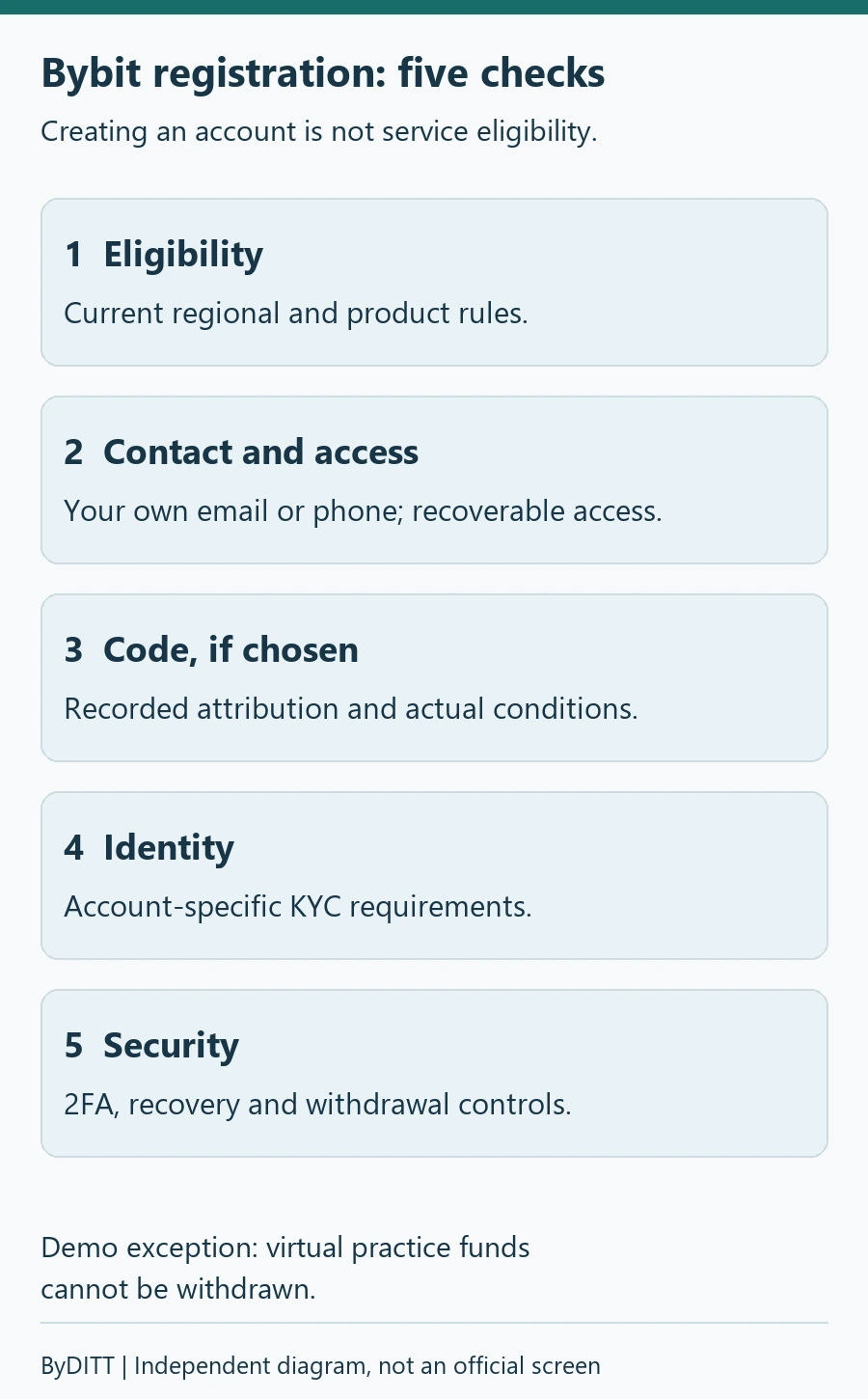
To sign up for Bybit, check country eligibility, register an email address or phone number, verify the referral code, complete KYC and secure the account. Check BYBITDC and any displayed terms before submitting registration, then verify your actual fee rate in My Fee Rate. Registration, code eligibility and campaign rewards are separate checks.
New sign-up, code and fee guidance checked: 2026-09-30. Other existing sections retain their earlier review scope; policies and account terms may change.
Affiliate disclosure: ByDITT is independent from Bybit. BYBITDC is an affiliate code and the link may compensate ByDITT. Registration availability, code eligibility, rewards, and fee rates vary by account and region. Verify what Bybit displays before submitting registration.
For readers in South Korea: A registration page or affiliate code is not regulatory approval. The FSC notice dated 13 October 2026 warns about unregistered operators, website/app blocking and referral intermediation. Check the current FIU registration list and local access rules before providing identity documents or funds. This guide does not establish that Bybit is locally registered or legally available to you; do not bypass access restrictions. See our regional eligibility and access guide.
Before opening the registration page
- Confirm Bybit serves your country and the products you plan to use.
- Use an email address or phone number that you control long term.
- Use a unique password and prepare an authenticator app or passkey.
- Decide whether you want to use BYBITDC before clicking Sign Up.
- Do not register for another person or use someone else’s identity documents.
Bybit sign-up methods: check the account identifier
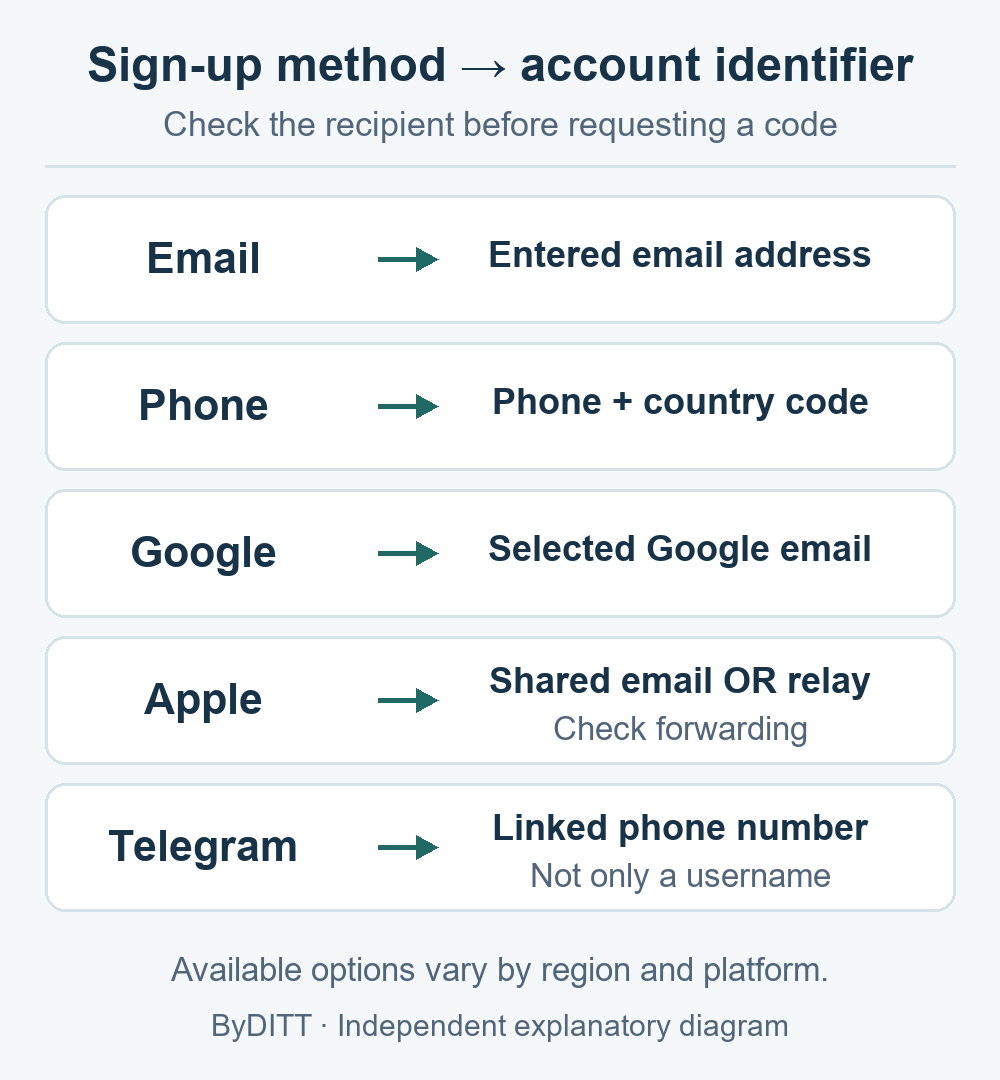
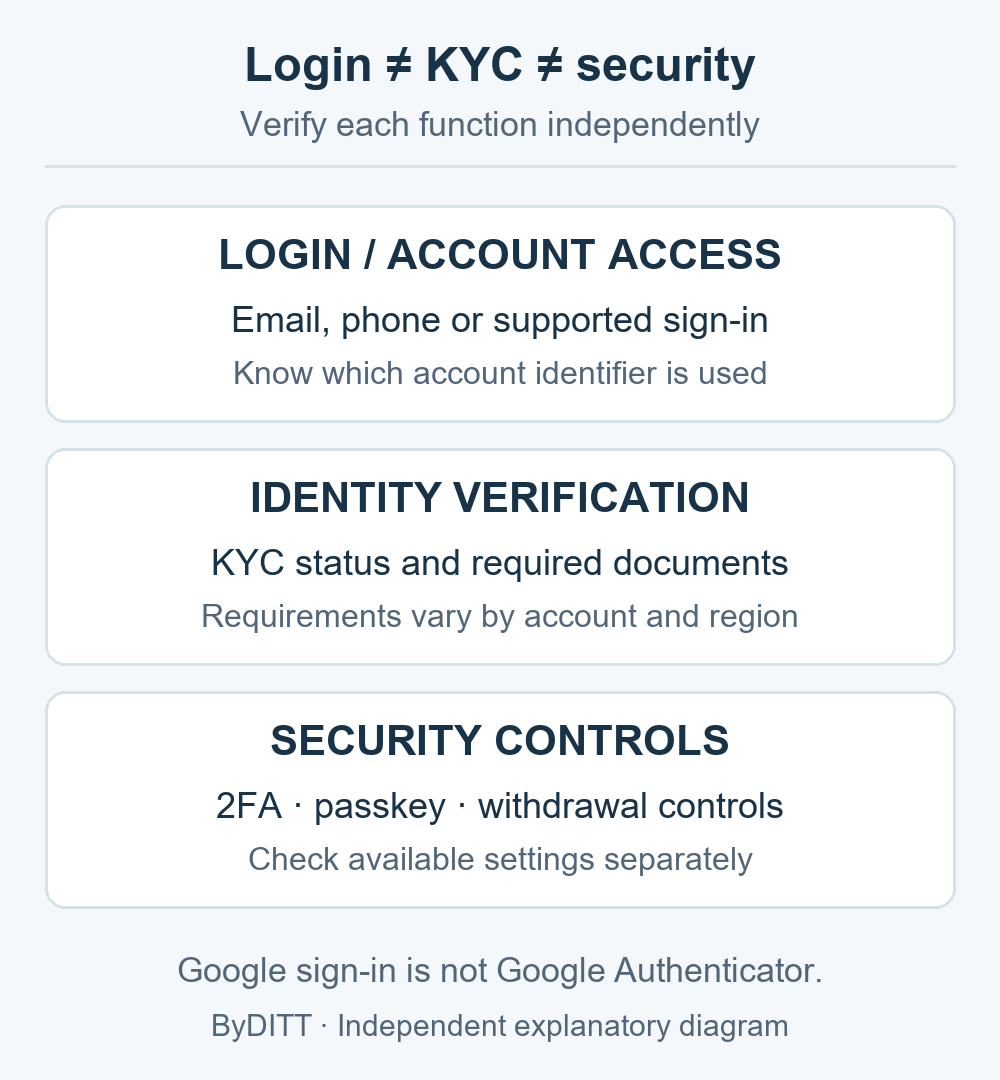
The sign-up method determines the email or phone number Bybit uses to create the account. Check that identifier and your long-term access before continuing. A third-party login does not prove that KYC or withdrawal security is complete.
| Method | Account identifier | Check before continuing |
|---|---|---|
| The address entered | Check spelling and long-term inbox access. | |
| Phone | The number with country code | Select the correct country code and omit the leading zero as Bybit instructs. |
| Email linked to the selected Google account | Confirm which Google identity is selected; do not assume a different inbox is used. | |
| Apple | Shared Apple ID email or a Hide My Email relay address | If Hide My Email was selected, check BybitApp and its Forward to destination in Apple settings. |
| Telegram | Phone number linked to the Telegram account | Record the linked number, not only the Telegram username. |
Google sign-in and Google Authenticator are different functions. Check Bybit security settings separately. If a code does not arrive, check the recorded recipient and any forwarding step before repeated requests. Do not use another identity to bypass account or KYC restrictions.
Comparison checked: 2026-10-07. Registration guide updated: 2026-08-17. Options and device menus can vary by region, platform and account; other article dates retain their original verification scope. Official Bybit registration instructions · Bybit — Account Security
How to register with BYBITDC
Bybit’s How to Register an Account, updated August 17, 2026, instructs users to select their country, enter an email or phone number, and enter a referral or affiliate code before clicking Sign Up Now. The page says the code generally cannot be added, modified, or deleted after the account is created.
- Open the official Bybit registration page.
- Select the real country of residence and follow any regional redirect or restriction.
- Enter your email address, phone number, or supported sign-in method.
- Expand the referral or affiliate-code field and enter BYBITDC if you choose to use it.
- Read and save any benefit displayed on the same screen. Do not assume a benefit that is not shown.
- Complete the captcha, email or SMS verification, and create a unique password.
Bybit also publishes a separate affiliate-code help page for limited eligible cases. It says a main account with no registered affiliate code may be able to add one within 14 days, subject to restrictions. Because the registration page and post-registration tool have different scopes, entering the intended code before sign-up is the clearest route.
Check the code after registration
- Open the official registered affiliate-code page while logged in.
- Confirm the recorded code and account eligibility.
- Check any campaign separately in Referral Center or Reward Hub.
- Check My Fee Rate for the actual trading-fee schedule.
- Keep screenshots of the registration offer, code status, and completed campaign tasks.
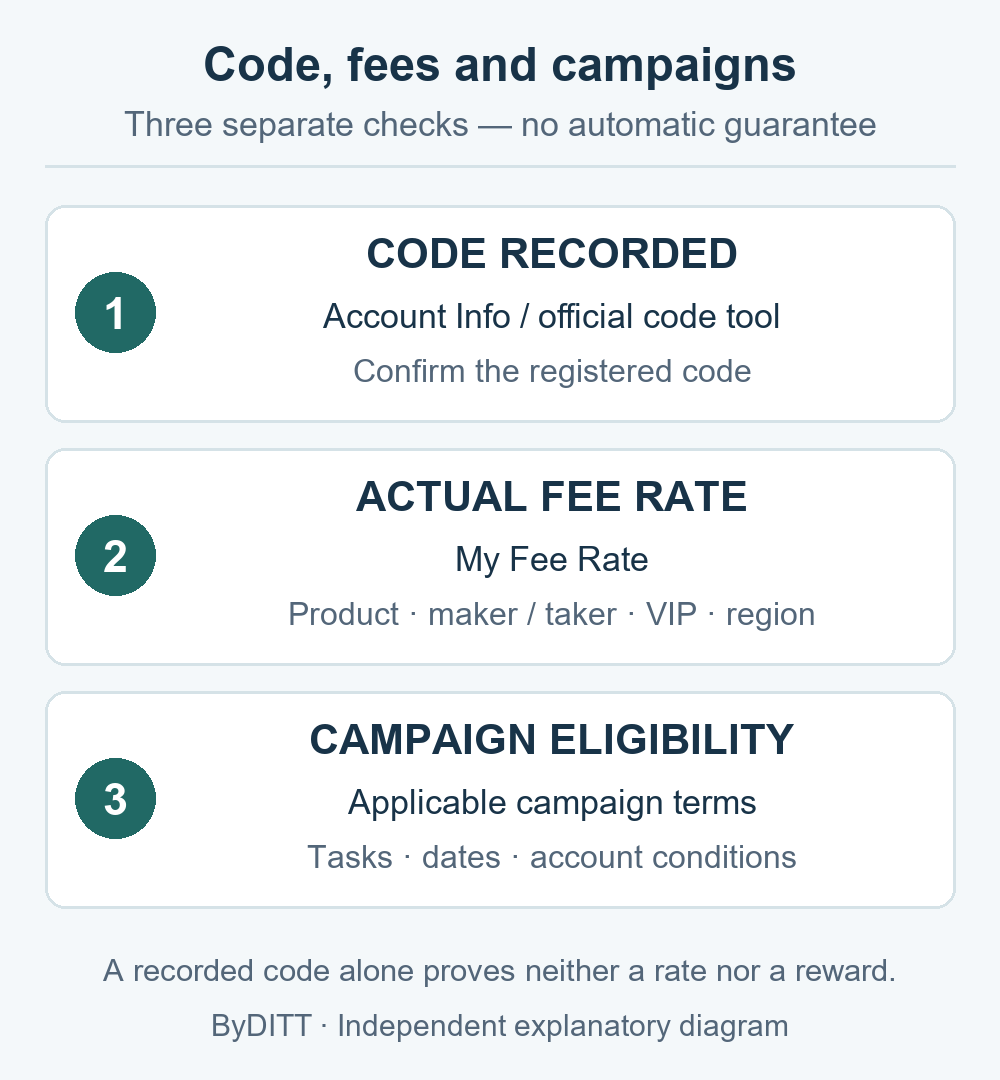
A code status does not prove that a fixed reward was paid. Campaign tasks, dates, KYC, deposits, trading volume, account relationships, and regional rules can affect eligibility.
Verify a fee discount before your first trade
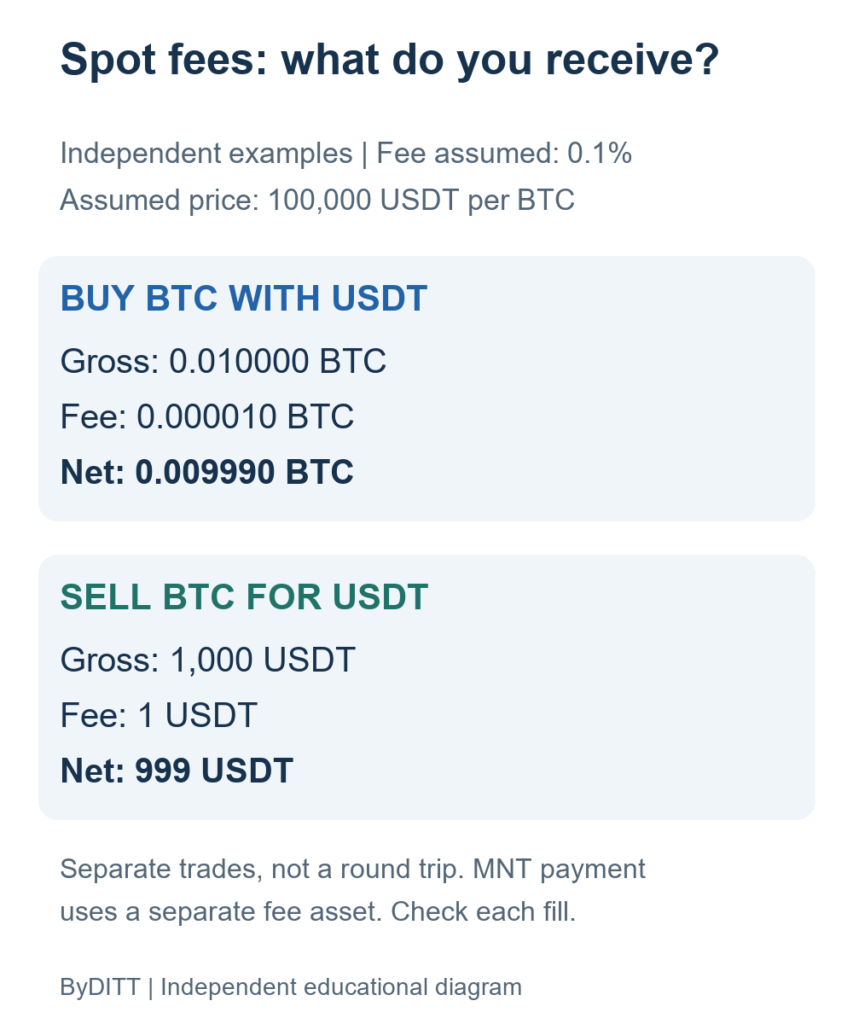
A registered affiliate code, a sign-up banner, a campaign reward, and your actual trading-fee rate are separate things. After identity verification, open Bybit’s My Fee Rate page and compare the maker and taker rates for the product you intend to trade. Bybit’s Trading Fee Structure says the published table is a base reference and the rate applied to your account may differ by region and VIP level. The fee shown on a completed order is the final check; funding, spread, borrowing, and withdrawal costs are separate.
- Before sign-up, record the code BYBITDC, any benefit shown, its eligible products, and any displayed end date.
- After sign-up, check the registered affiliate code in Account Info; a missing or hidden ID is not proof of a particular discount.
- After KYC, compare the applicable product, maker/taker side, VIP tier, and region in My Fee Rate.
- Check My Fee Rate before an order. Compare any existing execution record if available; you do not need to place a trade just to look up the rate.
If the registration screen says 90 days while another promotion describes a longer period, do not treat either phrase as proof that your account has a lifetime rate. Save the exact terms and ask Bybit to confirm how long the specific benefit applies to your account. For a full breakdown of trading and non-trading costs, see our Bybit fee guide; for reward eligibility, see our referral-code guide.
Identity verification (KYC)
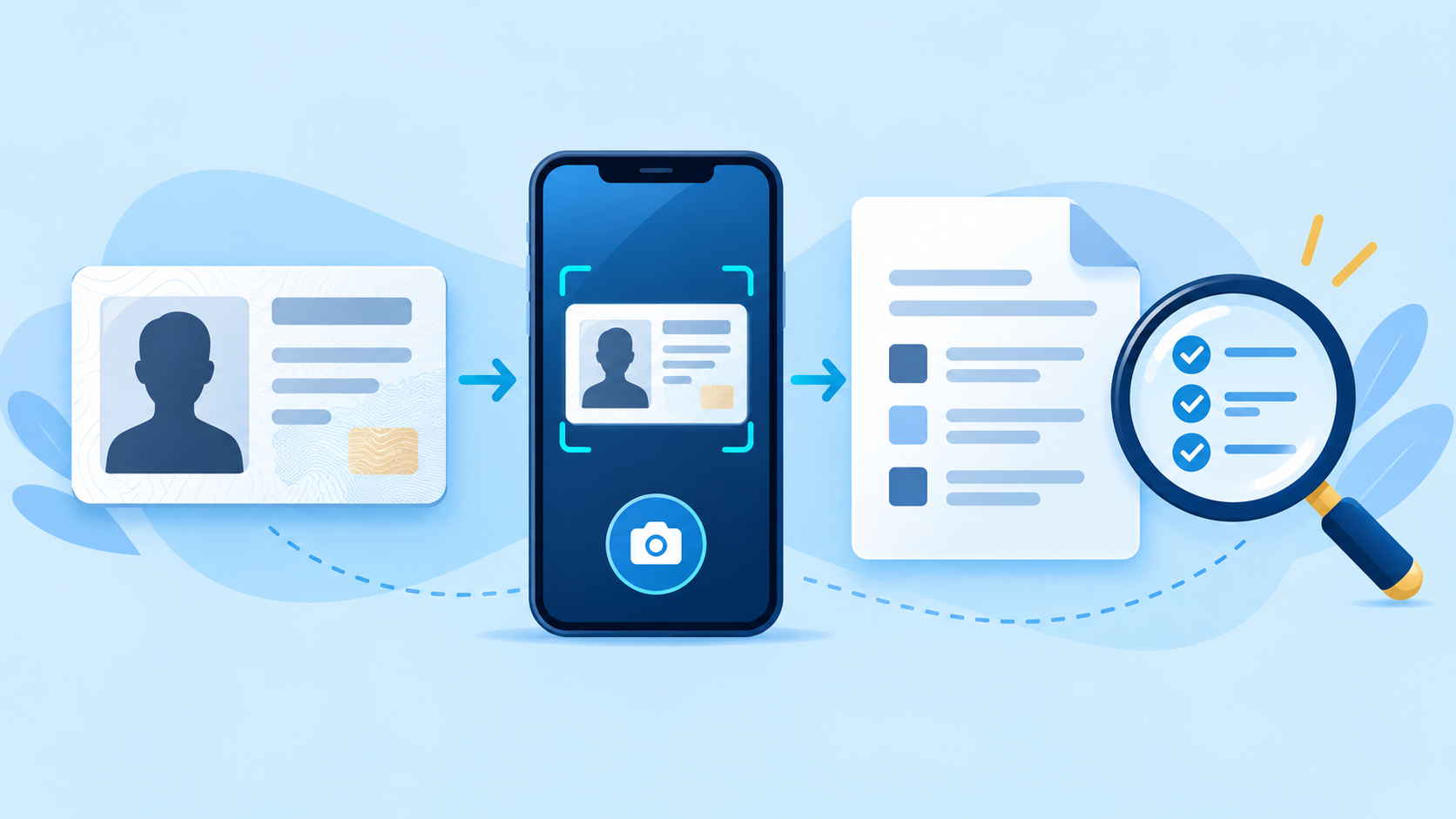
Bybit’s Individual KYC FAQ, updated August 20, 2026, says at least Standard identity verification is mandatory for Bybit products and services, with higher or special checks possible by region or product. The FAQ says verification generally takes about 15 minutes but can take up to 48 hours.
Creating an account does not establish eligibility for live services involving actual funds. The official Demo Trading guide separately states that identity verification is not required for the simulated demo account. Its practice funds are virtual and cannot be withdrawn. That practice-only exception does not waive verification requirements for services involving actual funds, or any regional or product restrictions. KYC/demo scope checked October 25, 2026.
| Level | Typical evidence | Important note |
|---|---|---|
| Standard | Identity assessment and proof of identity | Use a valid document issued for the real user |
| Advanced | Proof of address | Document and regional requirements apply |
| Pro or enhanced review | Additional due diligence | Requested only when applicable |
- Submit documents only through the official Bybit site or app.
- Do not send an ID image to an affiliate, messenger account, or “verification agent.”
- Use the same real name across the required verification levels.
- If review exceeds the official time guidance, submit a case through Bybit Support.
- Do not attempt to bypass regional or identity restrictions.
Secure the account before depositing
Bybit’s account-security guide recommends Google 2FA, a fund password, passkey or security key where available, an anti-phishing code, and a new-address withdrawal lock.
- Enable 2FA on both Bybit and the linked email account.
- Set an anti-phishing code and reject messages where it is missing or wrong.
- Use a separate fund password and do not reuse the login password.
- Enable withdrawal-address controls and secure transaction approval if available.
- Verify URLs, support accounts, emails, and phone numbers with Bybit Authenticity Check.
- Never share a password, 2FA code, recovery phrase, remote desktop session, or withdrawal code.
Deposit and fee verification
- Open the official deposit page and choose the exact coin and supported network.
- Copy the address and memo/tag where required.
- Send a small test amount first.
- Check the credited amount and required confirmations.
- Review My Fee Rate and the exact product cost before the first order.
- Start without leverage until you understand funding and liquidation.
What BYBITDC does not guarantee
- A fixed or lifetime fee discount
- A guaranteed welcome bonus or cashback payment
- Faster KYC, priority support, or priority withdrawals
- VIP status or airdrop allocation
- Lower slippage, better execution, or profitable trades
Sign-up troubleshooting before trading
- An eligible main account without an existing affiliate or referral code may add an affiliate code within 14 days. Existing codes cannot be switched; regional and account exclusions apply.
- A hidden affiliate ID does not prove the code is absent. Check Account Info and the official code guidance before contacting support.
- KYC commonly takes about 15 minutes but may take up to 48 hours. Contact official support if delayed; never send identity documents to an affiliate.
- Check My Fee Rate before an order. Compare any existing execution record if available; you do not need to place a trade just to look up the rate.
Official references
- How to Register an Account
- How to Add and Check a Registered Affiliate Code
- FAQ — Individual KYC
- How to Enhance the Security of Your Account
This article is educational and is not investment, tax, or legal advice. Bybit controls account availability, identity review, fees, and campaign eligibility.