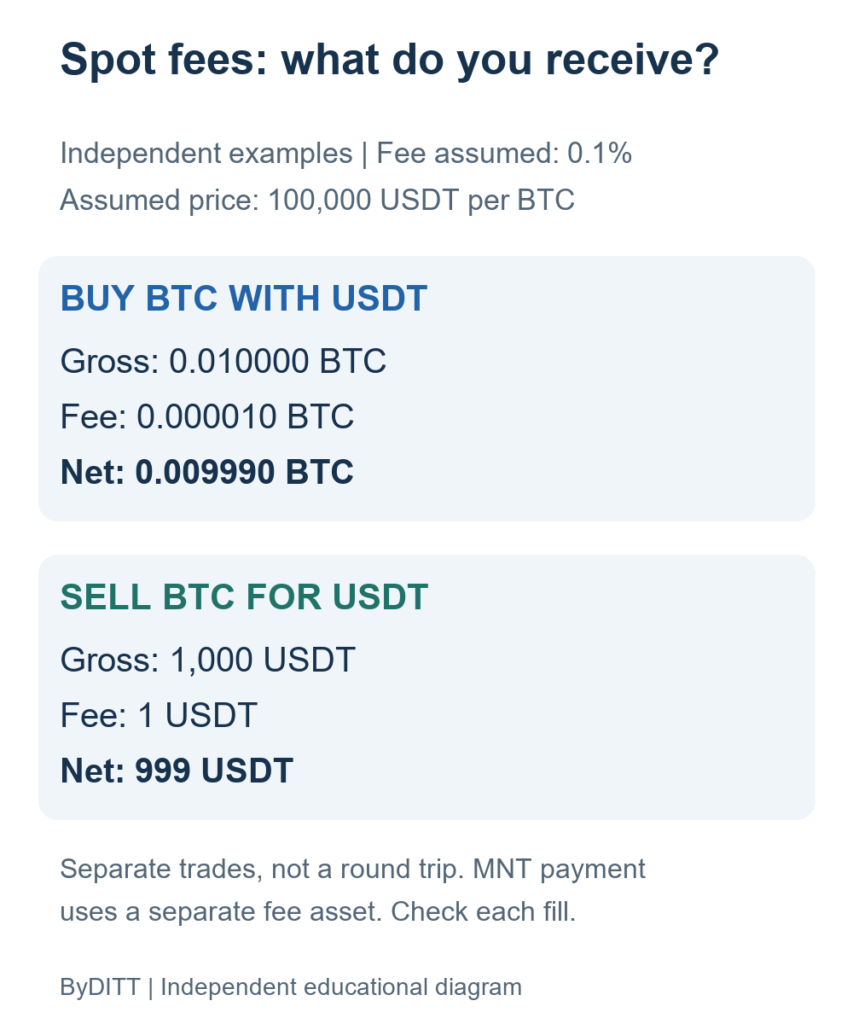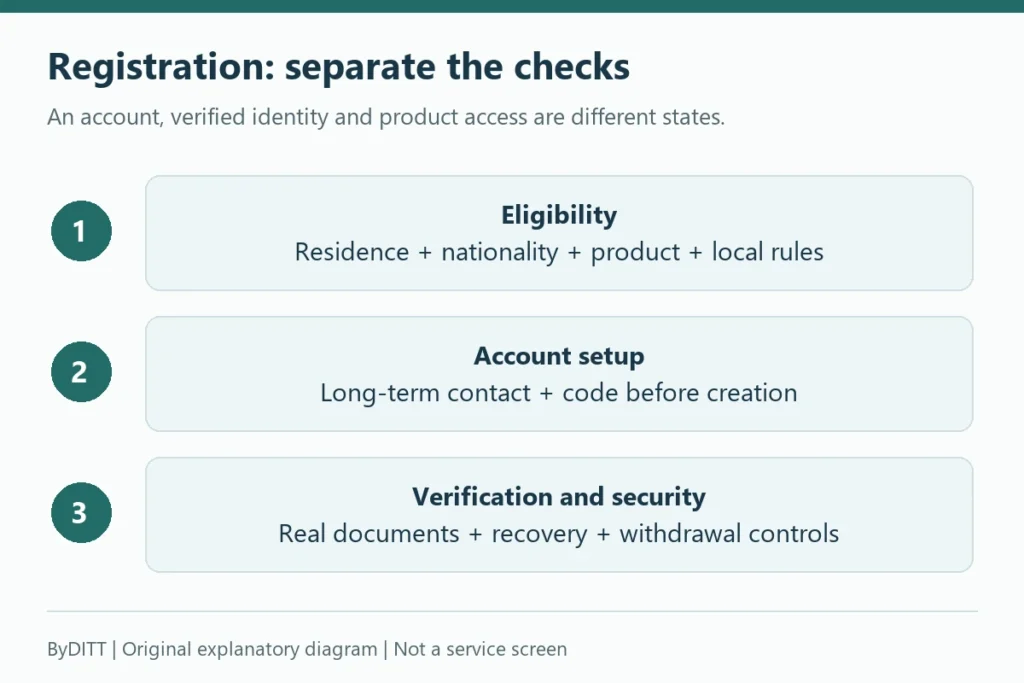
For a Bybit USDT deposit or withdrawal, both ends must support the same asset and network. The amount entered is not always the amount received: check how the withdrawal fee is deducted, the destination minimum and the final summary. This guide separates on-chain transfers, internal transfers, fiat methods and transfers between your own accounts.
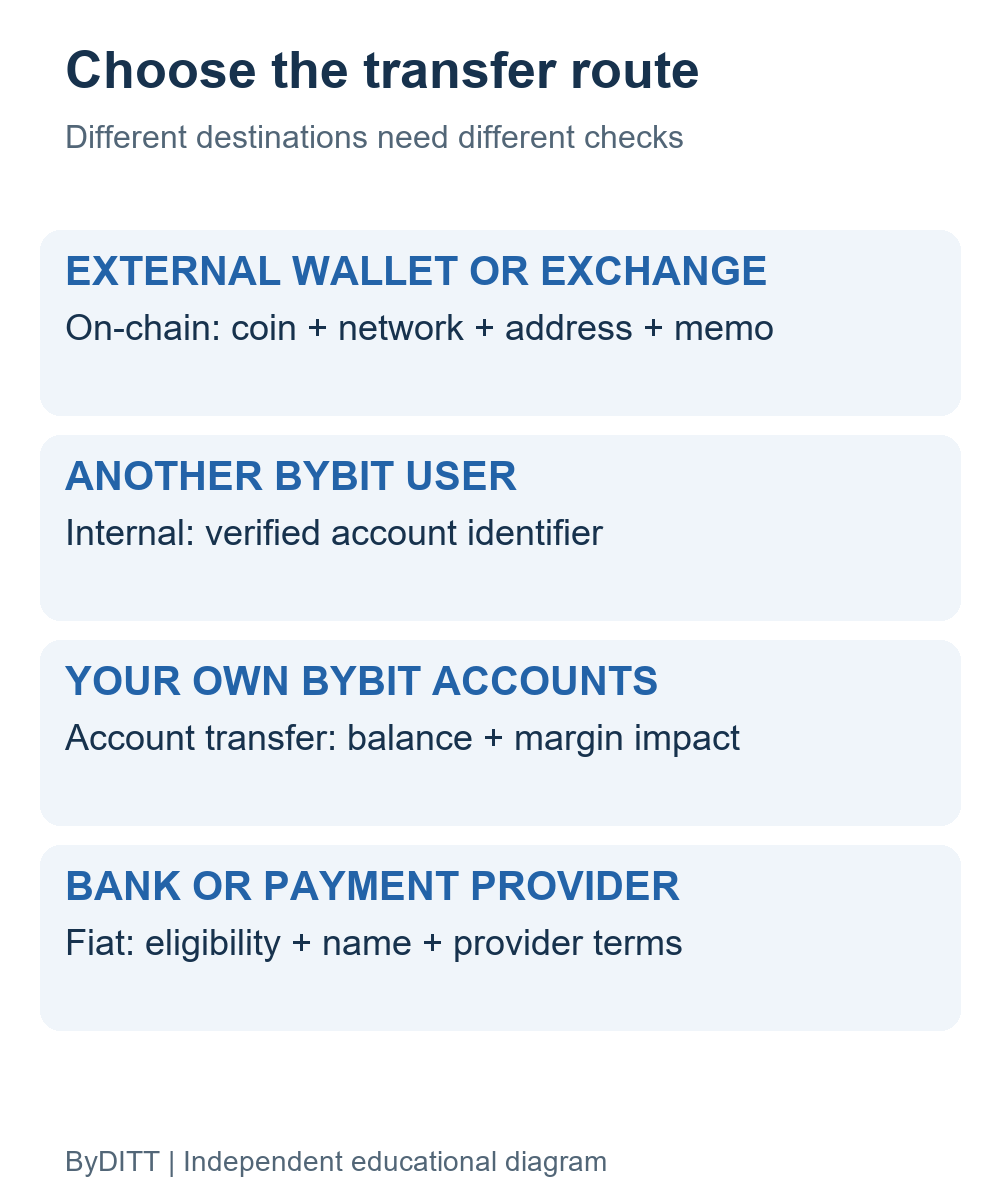
Four different ways to move value on Bybit
| Method | Destination | Main checks |
|---|---|---|
| On-chain crypto deposit or withdrawal | External wallet or exchange through a blockchain | Asset, network, address, memo/tag, minimum, fee and confirmations |
| Bybit internal transfer to another user | Another eligible Bybit account | Recipient email, mobile number or UID and identity-verification requirements |
| Transfer between your Bybit accounts | Funding, UTA or subaccounts | Source, destination, collateral and margin impact |
| Fiat deposit or withdrawal | Bank or payment provider where supported | KYC name match, provider, currency, fees, processing time and regional availability |
Do not choose a method solely because it appears cheaper or faster. An internal transfer cannot send to an external wallet, and an on-chain withdrawal sent to the wrong network may be unrecoverable.
Before the first transfer: account and security setup
Complete the identity verification required for the product and region, then secure the account. Use a unique password, independent 2FA or a passkey, an anti-phishing code and withdrawal protections. Check Bybit’s current withdrawal security guide for address controls, new-address locks, delay options and app-only withdrawal settings available to your account.
- Open Bybit from a saved official bookmark or the verified app.
- Confirm your KYC name matches a fiat bank or payment account where required.
- Enable the strongest withdrawal controls compatible with your workflow.
- Save trusted addresses in the address book only after independent verification.
- Never share a 2FA code, fund password, recovery phrase or remote-screen access.
How to make an on-chain crypto deposit
A crypto deposit moves assets from an external wallet or exchange to a Bybit deposit address. Bybit’s current deposit guide says users must choose a supported coin and supported chain shown on the asset page. Some coins also require a memo or tag.
- In Bybit, open Assets → Deposit and select the exact asset.
- Select a network supported by both Bybit and the sending wallet or exchange.
- Copy the deposit address directly from Bybit.
- If Bybit displays a memo or tag, copy it into the corresponding sender field.
- Read the minimum deposit, supported deposit method and confirmation notes shown on the page.
- At the sending platform, verify the asset, network, address and memo again.
- Send a small test amount first when minimums and network fees make that practical.
- Track the transaction ID and wait for the required confirmations.
Do not assume tokens with the same ticker are interchangeable across chains. The deposit address can look valid while the destination does not support that token contract or network.
Deposit checklist
- Coin: BTC, ETH, USDT or another exact supported asset.
- Network: for example, a specific chain selected on both ends—not merely the same ticker.
- Address: compare the beginning, middle and end after pasting.
- Memo or tag: enter it whenever Bybit displays one as required.
- Minimum: deposits below the displayed minimum may not be credited normally.
- Confirmations: a broadcast transaction is not the same as a credited balance.
- Contract method: check whether deposits from smart contracts are supported for the asset.
How to make an on-chain crypto withdrawal
An on-chain withdrawal leaves Bybit and goes to an external blockchain address. The destination—not Bybit—determines which address, network and memo you must use. Retrieve those details directly from the destination wallet or exchange.
- At the destination, open the deposit or receive page for the exact asset.
- Confirm the destination supports the intended network and copy its address and memo/tag.
- In Bybit, open the Funding Account and choose Withdraw for the asset.
- Select on-chain withdrawal and the matching network.
- Paste the destination address; use an independently verified address-book entry when available.
- Enter the amount and review the displayed fee, minimum, limits and estimated arrival details.
- Complete the required security verification and confirm the summary.
- Track the Bybit status and blockchain transaction ID until the destination credits it.
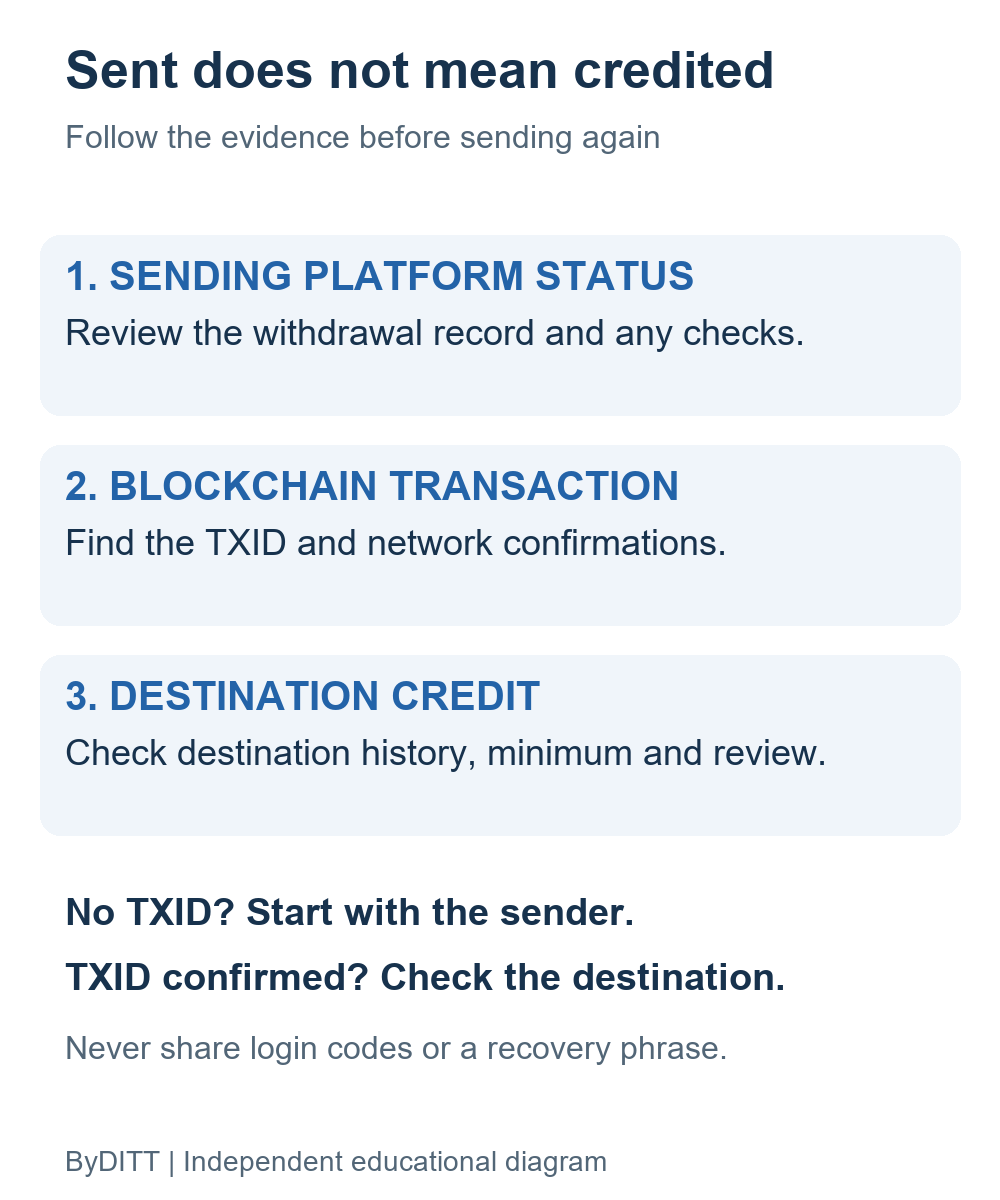
A “completed” withdrawal on the sending side does not guarantee the destination has credited the funds. Blockchain confirmations, destination maintenance and compliance reviews can affect arrival.
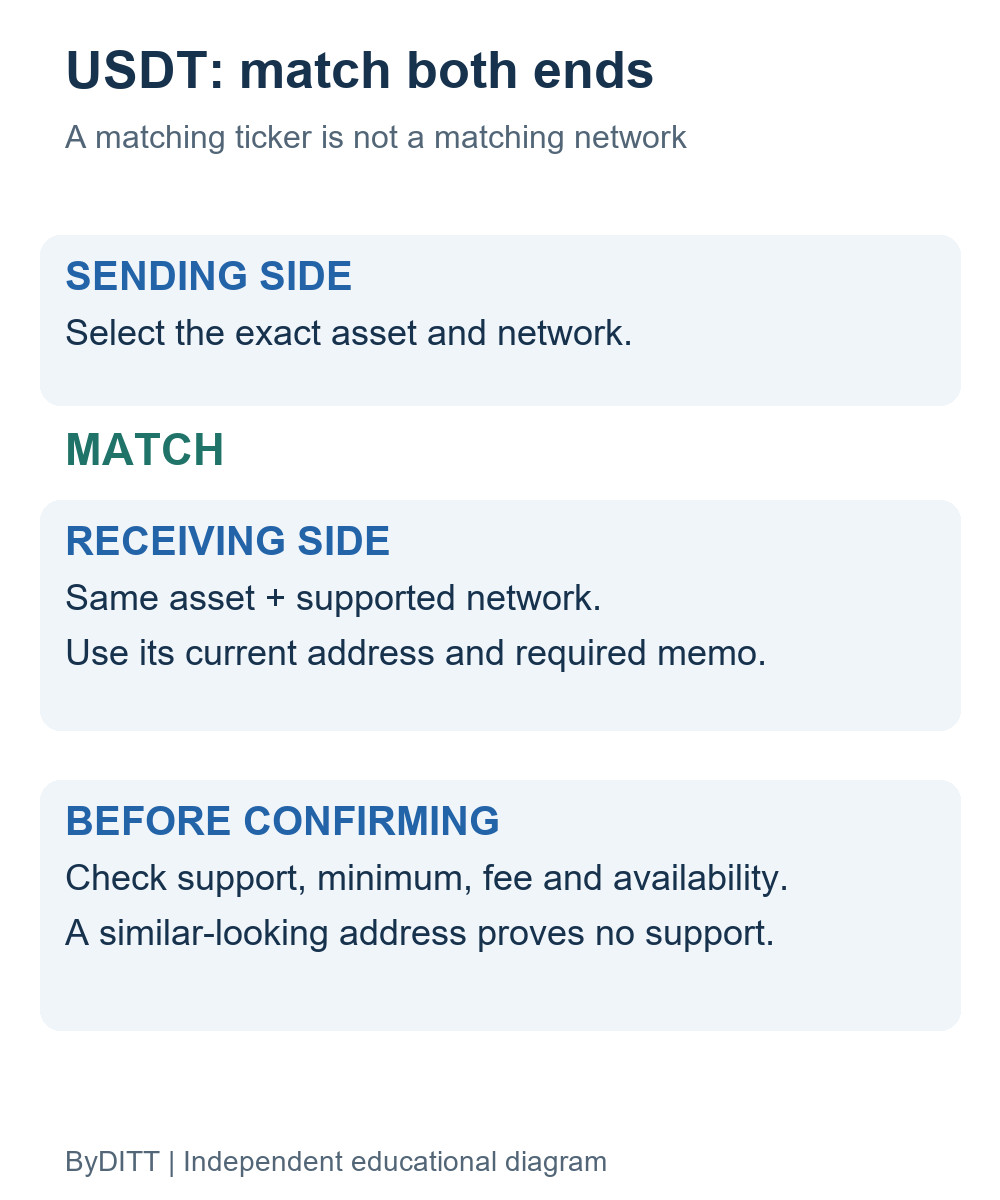
USDT networks: compatibility before cost
For USDT, compare the exact network shown on the sending and receiving pages; a matching ticker or similar-looking address is not proof of compatibility. Choose only a network currently supported and available at both ends, including any required memo or tag. Do not assume that a commonly mentioned network is enabled for your account or that the cheapest route is usable.
Withdrawal fees: entered amount versus net amount
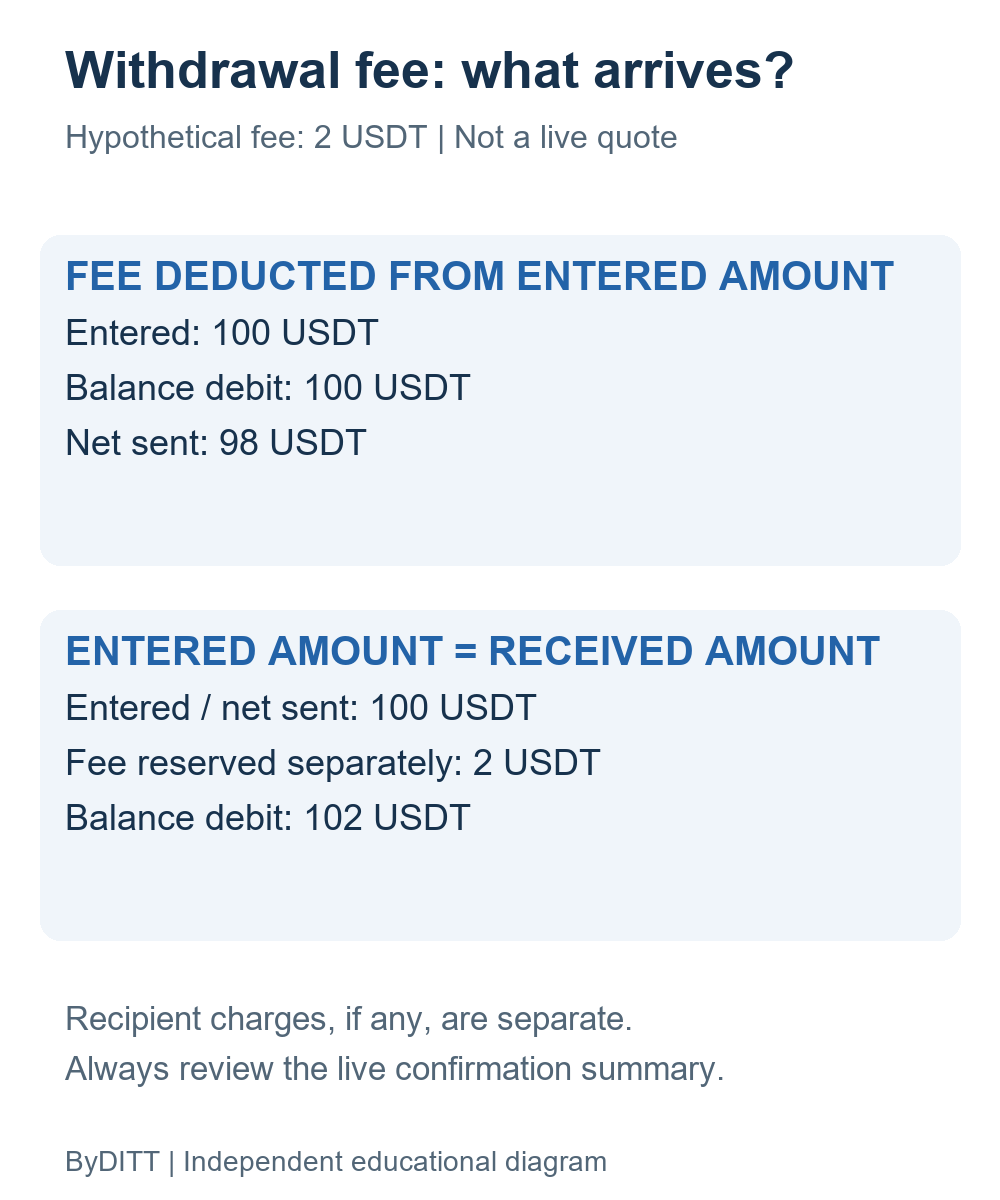
Bybit's withdrawal FAQ describes two fee-deduction modes. The default deducts the fee from the entered amount; the alternative treats the entered amount as the amount received and requires a separate fee reserve. The example below assumes a fee of 2 USDT and an entered amount of 100 USDT. These are independent ByDITT calculations, not current USDT network quotes.
| Deduction mode | Balance debit | Net sent |
|---|---|---|
| Fee deducted from entered amount | 100 USDT | 98 USDT |
| Entered amount = received amount | 102 USDT | 100 USDT |
The calculations are 100 − 2 = 98 USDT and 100 + 2 = 102 USDT. In the second mode, a balance of only 100 USDT cannot fund both the requested 100 USDT and the assumed fee. The All button can therefore produce an insufficient-balance error. Destination charges, if any, can further reduce the final credit. Review the live fee, minimum, available balance and summary; do not add the same included network cost twice.
Transfer cost & net receipt
A test transfer must cover fees and the destination minimum
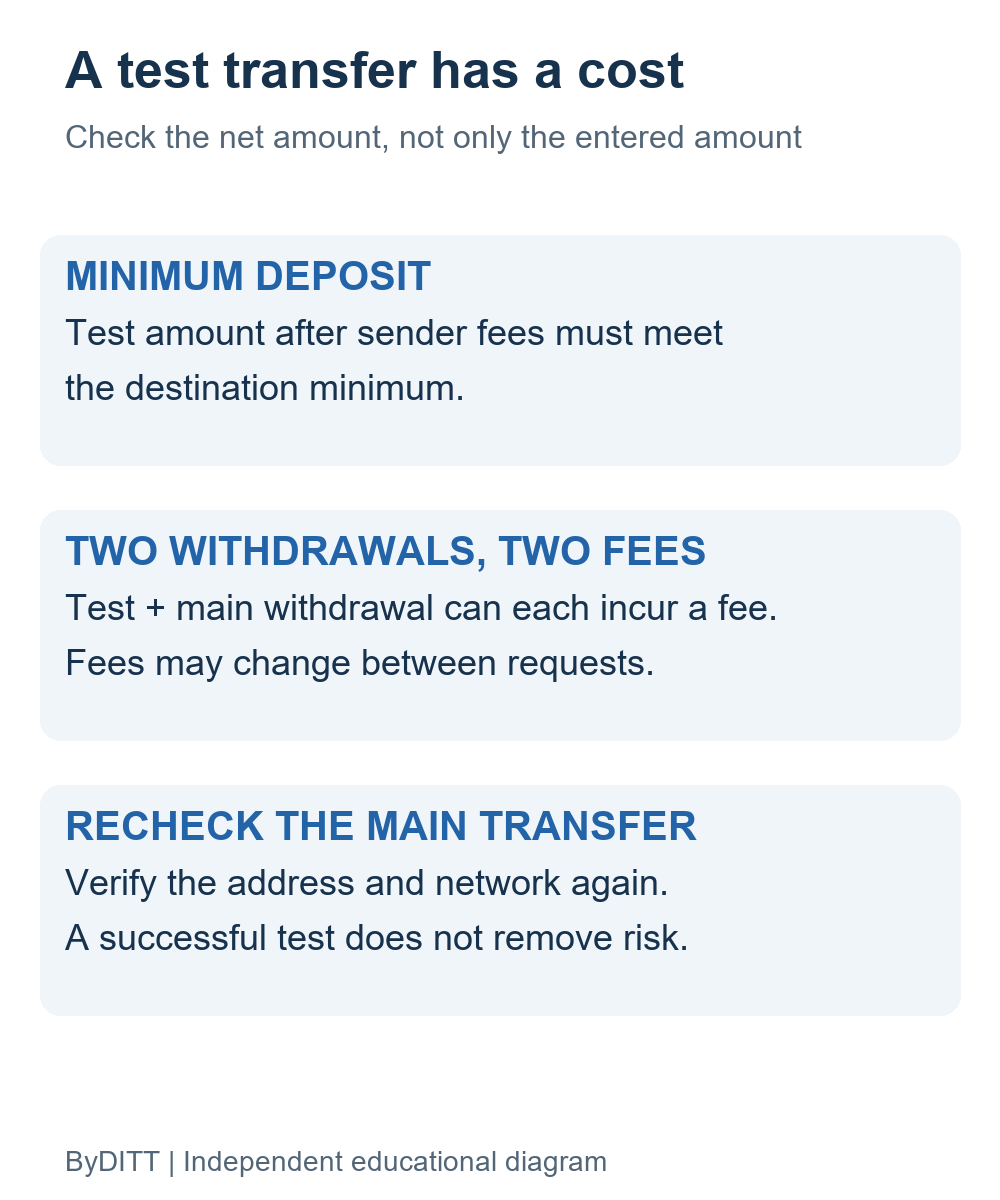
A small test is useful only if the amount arriving after sender fees meets the destination minimum. Bybit's deposit FAQ states that deposits below its minimum are not credited or refunded. A test and the main withdrawal may each incur a fee, and fees can change between requests. Recheck the network, address and memo for the main transfer; a successful test does not guarantee recovery, arrival time or safety.
Official sources for this added section; checked 2026-10-12. Availability and terms may change. Blockchain transfers can be irreversible; exchange custody and regulatory restrictions remain separate risks.
ByDITT is an independent educational and affiliate site, not Bybit.com.
Withdrawal security: reduce address-substitution risk
Bybit documents a withdrawal address book and scenario-based controls. Depending on the account, these can include a whitelist, daily whitelist limit, address-book-only withdrawals, a new-address lock, delayed withdrawals and app-only withdrawals. Enabling a convenience option that removes repeated verification from a trusted address also increases the importance of verifying that address correctly at setup.
- Verify a new address with a test transaction before whitelisting a large transfer.
- Use conservative daily limits and a new-address lock.
- Check for clipboard replacement after every paste.
- Do not approve a withdrawal initiated during an unsolicited support call.
- Pause if the security flow changes unexpectedly or asks for remote access.
Internal transfer to another Bybit user
Bybit’s internal transfer guide describes transfers to another eligible Bybit account using account identifiers such as email, mobile number or UID. It states that the method can be processed without an on-chain withdrawal fee under the documented conditions.
- Confirm the recipient’s Bybit UID or registered contact through a second channel.
- Check that both accounts meet the current identity-verification requirements.
- Use internal transfer only when the recipient is a Bybit account.
- Review which account supplies the assets; withdrawing from UTA can affect margin ratios.
- Send a small amount first when the recipient is new.
An internal transfer avoids blockchain routing, but a transfer to the wrong Bybit user can still be difficult or impossible to reverse.
Transfers between Funding Account, UTA and subaccounts
Bybit’s Funding Account guide explains that deposits, withdrawals and several funding products use the Funding Account, while trading collateral may sit in UTA. Internal account transfers do not use a blockchain, but moving collateral out of a trading account can increase margin risk.
- Confirm the source and destination account before submitting.
- Check open positions, orders, borrowed assets, IMR and MMR before moving collateral.
- Do not transfer the full available balance when it supports derivatives positions.
- Separate strategy funds with subaccounts only after understanding transfer permissions.
- Recheck balances in both accounts after the transfer.
Fiat deposits and withdrawals
Fiat availability is account- and region-specific. Bybit may show bank cards, third-party payment providers, fiat deposits, P2P or other methods. A third-party provider can require its own KYC and terms. For withdrawals, the receiving account name may need to match the name used for Bybit identity verification, and some methods require a prior deposit from that account.
- Use only methods displayed in your own Bybit account.
- Check provider identity, currency, exchange rate, fee and processing time before paying.
- Confirm whether funds arrive in Funding Account and whether another transfer is required for trading.
- Do not assume a successful withdrawal status means a bank has already credited the money.
- Keep receipts and provider reference numbers until settlement is complete.
Read Bybit’s current fiat withdrawal instructions if that feature is available to your account.
What to do when a transfer is missing
- Do not send a second large transfer to “test” the same route.
- Identify whether it was on-chain, internal, inter-account or fiat.
- For on-chain transfers, check the transaction ID, network, confirmations, address and memo.
- For internal or inter-account transfers, check both account histories and the recipient identifier.
- For fiat transfers, check the bank or provider reference and processing window.
- Collect screenshots, timestamps, amounts, asset, network, address and transaction/reference IDs.
- Contact official Bybit support from the Help Center; do not trust a responder who contacts you first.
Never pay a private “recovery specialist” who asks for a seed phrase, password or advance crypto transfer. Bybit staff do not need your wallet recovery phrase.
Final transfer checklist
- I selected the correct transfer type.
- The asset and network match on both sides.
- The address and memo/tag were copied from the real destination.
- I checked the minimum, fee, limits and confirmations.
- I understand the effect on trading margin and collateral.
- I used a small test amount where practical.
- I can independently reach official support if something fails.
For registration, KYC and account security, see our Bybit registration guide. For phishing and P2P risks, read the Bybit security and scam-prevention guide.
Affiliate disclosure: ByDITT may receive compensation if you register through this link. Codes, rewards, fees and methods vary by account, region and campaign. The link does not guarantee a discount, transfer recovery, speed or eligibility.
Educational information only. Transfer methods, supported networks, fees, limits and rules can change. The information displayed in your own Bybit account and the current official Help Center take precedence.